In 2026, social media is more than just a place to share photos; it is a massive data-harvesting machine. With the rise of advanced AI algorithms that can predict your behavior and facial recognition technology that can identify you in an instant, protecting your digital privacy has become a critical necessity. Whether you are on Facebook, Instagram, TikTok, or the latest decentralized platforms, your personal information is a valuable commodity.
To maintain your safety and privacy in this hyper-connected era, you need to go beyond basic password protection. This guide provides a deep dive into the most effective strategies to secure your social media presence and take back control of your data.
1. Audit Your Privacy Settings (Platform by Platform)
The first and most important step is to manually review the privacy settings of every social media account you own. Platforms often update their terms and “reset” certain privacy features during system updates.
- Account Visibility: Set your profiles to “Private” whenever possible. This ensures that only people you have personally approved can see your posts, friends list, and personal details.
- Tagging and Mentions: Disable the feature that allows others to tag you in photos or posts without your approval. In 2026, “Auto-Tagging” via AI is common, so ensure you have “Tag Review” turned on to prevent your image from being linked to unwanted content.
- Search Engine Indexing: Go to your account settings and toggle off the option that allows search engines (like Google) to link directly to your profile. This makes it harder for strangers or potential employers to “stalk” your social history.
2. Master “Data Minimization”
The less you share, the less there is to steal. Data minimization is the practice of limiting the amount of personal information you provide to these platforms.
- The “About Me” Trap: Do not fill out every field in your profile. Social media platforms do not need to know your hometown, your high school, your phone number, or your specific birthday. This information is a goldmine for identity thieves attempting to answer your security questions.
- Metadata Awareness: When you upload a photo in 2026, it often contains “EXIF data,” which includes the exact GPS coordinates of where the photo was taken. Use a metadata remover or disable location services for your camera app to prevent people from tracking your home or workplace.
- Limit Third-Party App Access: Many people use their Facebook or Google accounts to “Log in” to other apps and games. Review these permissions regularly and revoke access to any apps you no longer use. These are often the “weakest links” in data breaches.
3. Combat AI-Driven Tracking and Profiling
Modern social media uses “Behavioral AI” to track your interests based on how long you look at a post, what you click, and even who you search for.
- Off-Facebook Activity: Use the “Off-Facebook Activity” tool to see which businesses are sending information about your real-world activities to Meta. Clear this history and turn off future tracking.
- Ad Personalization: Opt-out of personalized advertising. While this won’t reduce the number of ads you see, it prevents the platform from building a deep psychological profile of your shopping and voting habits.
- Use “Burner” Emails: For social media accounts that aren’t for professional use, consider using an encrypted “Alias” email service like Proton Mail or SimpleLogin to prevent platforms from linking your social accounts to your primary shopping or banking emails.
4. Secure Your Login: Beyond Passwords
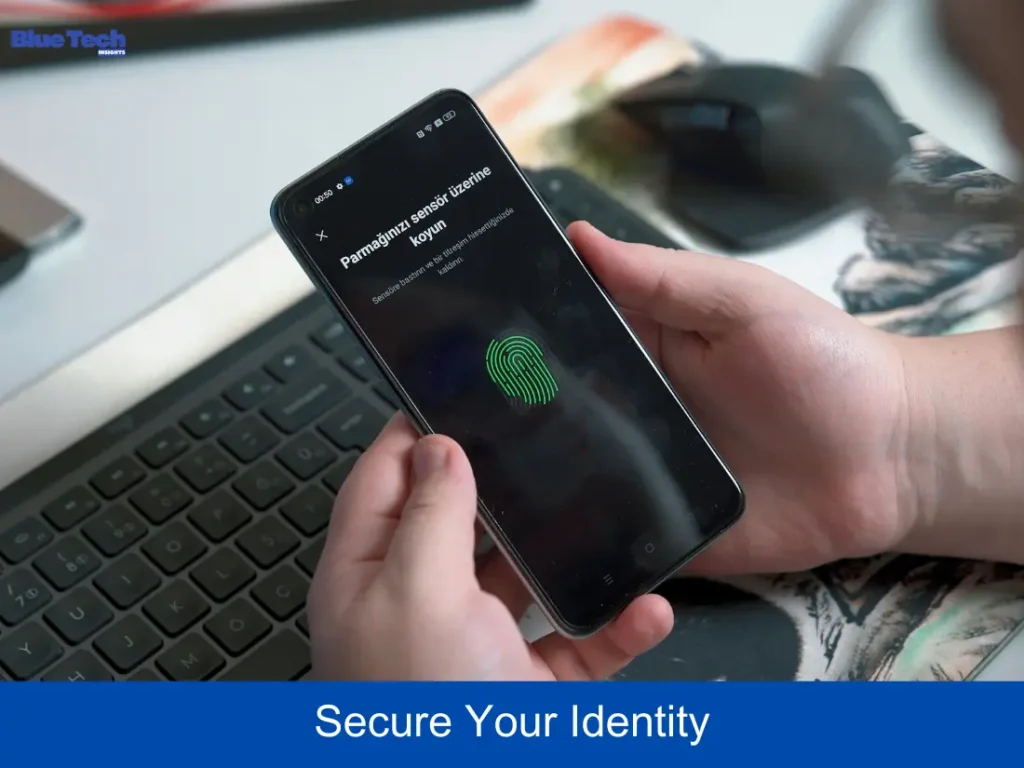
In 2026, traditional passwords are no longer enough. Hackers use AI-powered brute-force tools that can crack simple passwords in seconds.
- Multi-Factor Authentication (MFA): This is mandatory. However, avoid SMS-based MFA, as “SIM-swapping” attacks are rampant. Instead, use an Authenticator App (like Google Authenticator or Microsoft Authenticator) or a physical Security Key (like a Yubikey).
- Password Managers: Use a dedicated password manager (Bitwarden or 1Password) to generate and store complex, unique passwords for every platform. Never reuse the same password across multiple sites.
- Login Alerts: Enable notifications for “Unrecognized Logins.” If someone tries to access your account from a new device or location, you will receive an instant alert to block the attempt.
5. Privacy Comparison: Top Platforms in 2026
| Platform | Privacy Reputation | Key Privacy Feature | Recommended Action |
| Facebook/IG | Moderate/Low | Privacy Center | Clear Off-Facebook Activity |
| X (Twitter) | Moderate | Protected Posts | Disable Data Sharing with Partners |
| TikTok | Low | Data Request Tool | Limit “Personalized Ads” |
| High (for chat) | End-to-End Encryption | Enable “Disappearing Messages” | |
| Signal | Maximum | Zero-Knowledge | Use for highly sensitive info |
6. The “Social Engineering” Threat
Sometimes, the biggest threat to your privacy isn’t a hacker—it’s a “friend.”
- Avoid Oversharing: Don’t post about your upcoming vacation while you are still away. This signals to burglars that your home is empty.
- Verify Friend Requests: Be wary of “duplicate” friend requests from people you are already friends with. This is a common tactic used to gain access to your private profile info.
Conclusion
Protecting your privacy on social media in 2026 requires constant vigilance. By auditing your settings, minimizing the data you share, and using advanced security tools like MFA, you can enjoy the benefits of social connection without sacrificing your personal safety. Remember, your digital footprint is permanent—take the time to make it a secure one.
About the Author