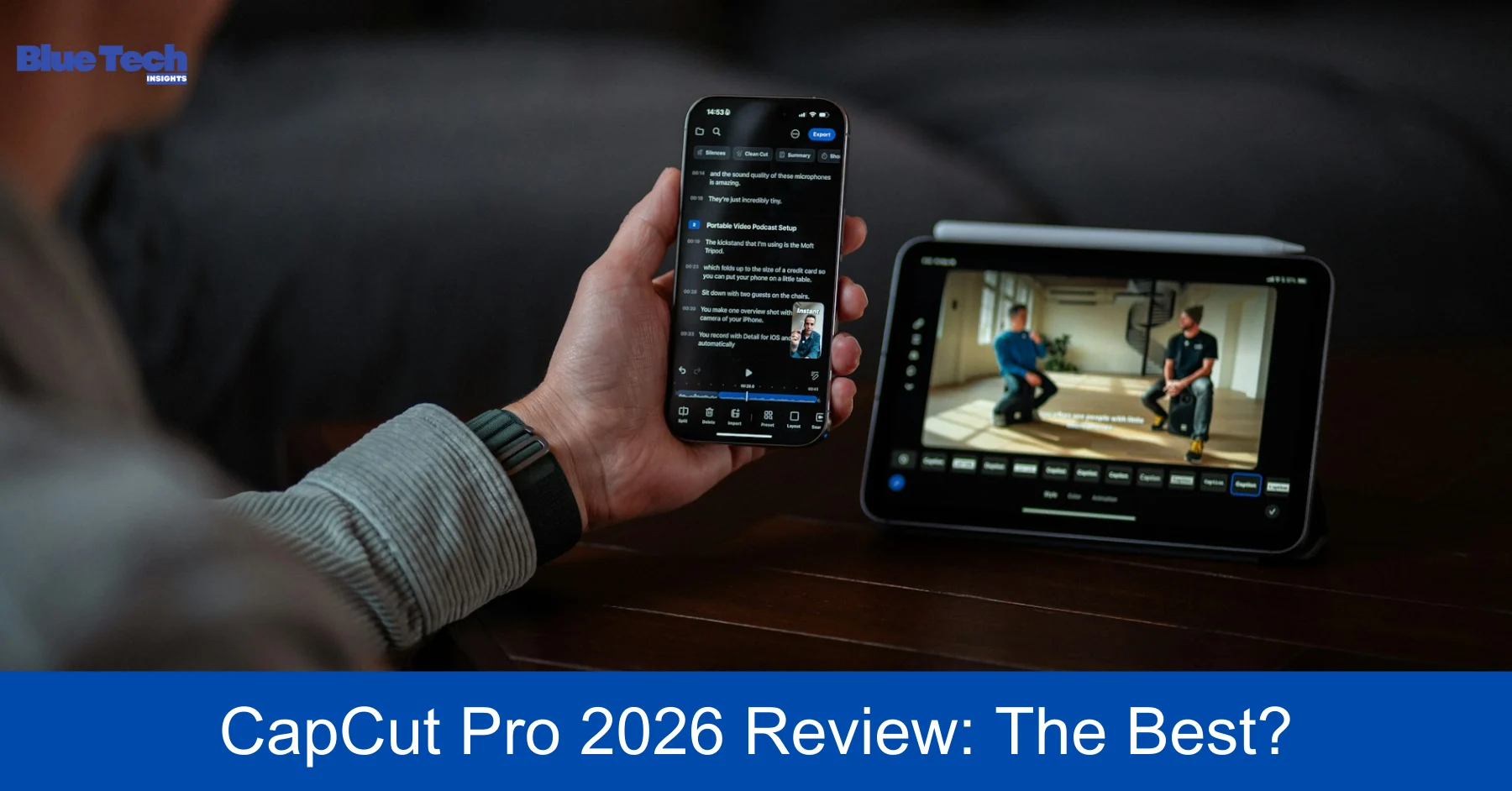
In the fast-paced world of social media, the ability to create high-quality video content quickly is a superpower. Since its launch, CapCut, developed by ByteDance (the same parent company as TikTok), has revolutionized mobile video editing. In 2026, it has grown from a simple “TikTok companion” into a full-fledged professional tool.
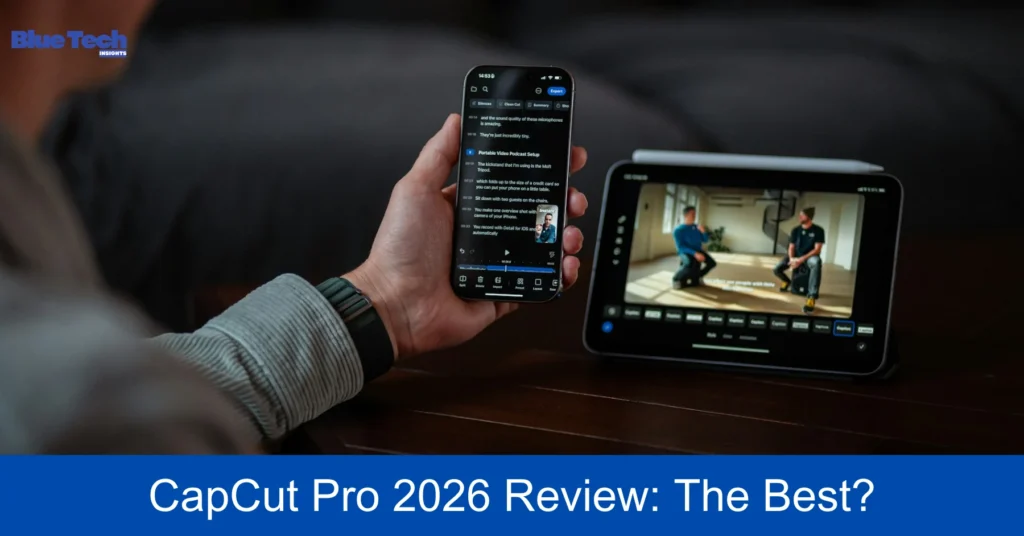
But with the introduction of the CapCut Pro subscription, many creators are asking: Is the paid version really worth it?Or does the free version still hold the crown? In this deep-dive review, we analyze CapCut Pro’s latest features, pricing,and performance to see if it truly is the best mobile video editor on the market today.
1. The Interface: Built for Speed and Simplicity
One of CapCut’s greatest strengths in 2026 remains its Intuitive User Interface (UI). Unlike traditional desktop editors like Premiere Pro or DaVinci Resolve, CapCut Pro is designed for vertical screens and touch-based interactions.
- Magnetic Timeline: The timeline in CapCut is incredibly smooth. Snapping clips together, splitting them with a single tap, and rearranging them is seamless.
- Pro Workspace: On iPad and Desktop versions, CapCut Pro now offers a more expanded workspace that allows for multi-track editing, making it more viable for complex YouTube videos, not just short-form clips.
2. Key Features: What’s New in 2026?
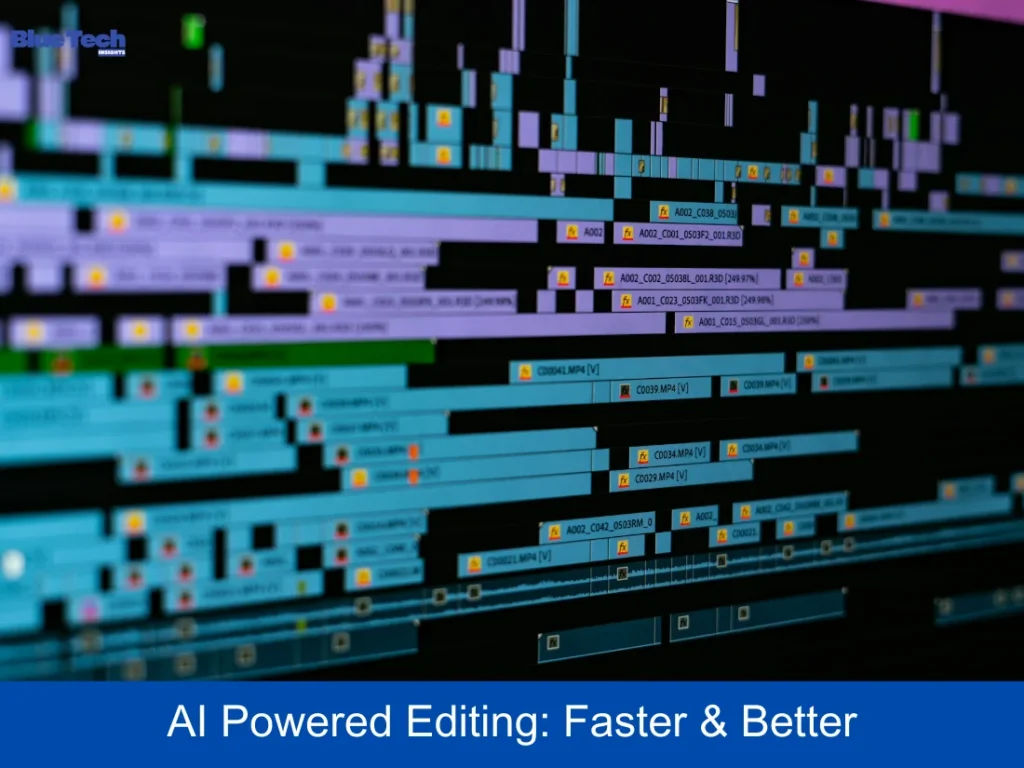
CapCut Pro is packed with AI-Driven Tools that save hours of manual work. Here are the standout features that are currently leading the market:
A. AI Auto-Captions & Subtitles
In 2026, CapCut Pro supports over 130 languages with nearly 98% accuracy. Its AI doesn’t just transcribe; it can now automatically highlight key phrases in different colors and add “trending” animations to your text, a feature previously only possible with manual keyframing.
B. Advanced Background Removal (Cutout 2.0)
The Pro version uses advanced neural networks to remove backgrounds from complex videos without a green screen.Even with messy hair or fast movement, the AI handles the edges with professional precision.
C. Video Upscaling and Enhancement
The AI Video Upscaler in CapCut Pro is a game-changer. It can take 1080p footage and “reconstruct” it into 4K quality,making it sharper and cleaner—ideal for creators who use older smartphones but want their content to look high-end.
D. Motion Tracking and Keyframing
CapCut Pro offers a sophisticated Motion Tracking system. You can attach text or stickers to a moving object (like a car or a person’s head), and the software will track it perfectly across the frame.
3. The “Pro” Advantage: Free vs. Paid (2026)
While the free version of CapCut is surprisingly powerful, the Pro subscription unlocks specific assets that elevate your content’s production value.
- Premium Asset Library: Pro users get access to thousands of exclusive “trending” transitions, high-quality stock footage, and premium filters that aren’t available to free users.
- Export Quality: Only Pro users can export in 4K resolution at 60fps with Smart HDR enabled, ensuring the highest possible clarity for platforms like YouTube and Instagram.
- Cloud Storage: A Pro subscription usually includes up to 100GB of Cloud Space, allowing you to sync projects between your phone, tablet, and PC seamlessly.
4. Performance: Is Your Device Ready?
In 2026, video editing is resource-heavy. While CapCut Pro is well-optimized, its advanced AI features require a decent processor.
- On Newer Devices: Using a 2025 or 2026 flagship (like the iPhone 17 or Galaxy S26), 4K rendering is nearly instantaneous.
- On Budget Devices: You may experience lag or app crashes when using heavy AI effects like “Body Effects” or “3D Zoom” on devices with less than 8GB of RAM.
5. Pricing: How Much Does It Cost?
In 2026, CapCut Pro’s pricing typically follows a subscription model:
- Monthly Plan: Approximately $7.99 to $9.99.
- Annual Plan: Approximately $74.99 to $89.99 (Saving you about 25% compared to monthly billing).
- One-Time Purchase: Some regions offer a 1-month “One-Time” purchase for around $11.99 if you only need it for a single project.
6. Comparison: CapCut Pro vs. Competitors
| Feature | CapCut Pro | LumaFusion | VN Video Editor |
| Ease of Use | Maximum (Beginner Friendly) | Moderate (Pro Feel) | High |
| AI Features | Industry Leading | Basic | Moderate |
| Pricing | Subscription Based | One-time Purchase | Free (mostly) |
| Best For | TikTok, Reels, Shorts | Pro Filmmaking | Vlogs & Short Films |
| Templates | Thousands (Weekly Updates) | Minimal | Moderate |
Conclusion: Is CapCut Pro Worth It?
The answer depends on your goals.
- If you are a casual creator: The free version of CapCut is still the most generous free editor on the market and is more than enough.
- If you are a professional influencer or brand: CapCut Pro is absolutely worth it. The time saved by AI auto-captions, the access to premium trending templates, and the higher export quality provide a significant return on investment.
In 2026, CapCut Pro isn’t just a mobile app—it’s a powerful, all-in-one creative studio that fits in your pocket.
Disclaimer: This review is based on CapCut Pro’s features, pricing, and performance as of early 2026. App features and subscription costs may vary by country and are subject to change by ByteDance. Always check the official CapCut website or app store listing for the most current information. Bluebook.site is an independent tech review site and is not officially affiliated with ByteDance or CapCut.
About the Author