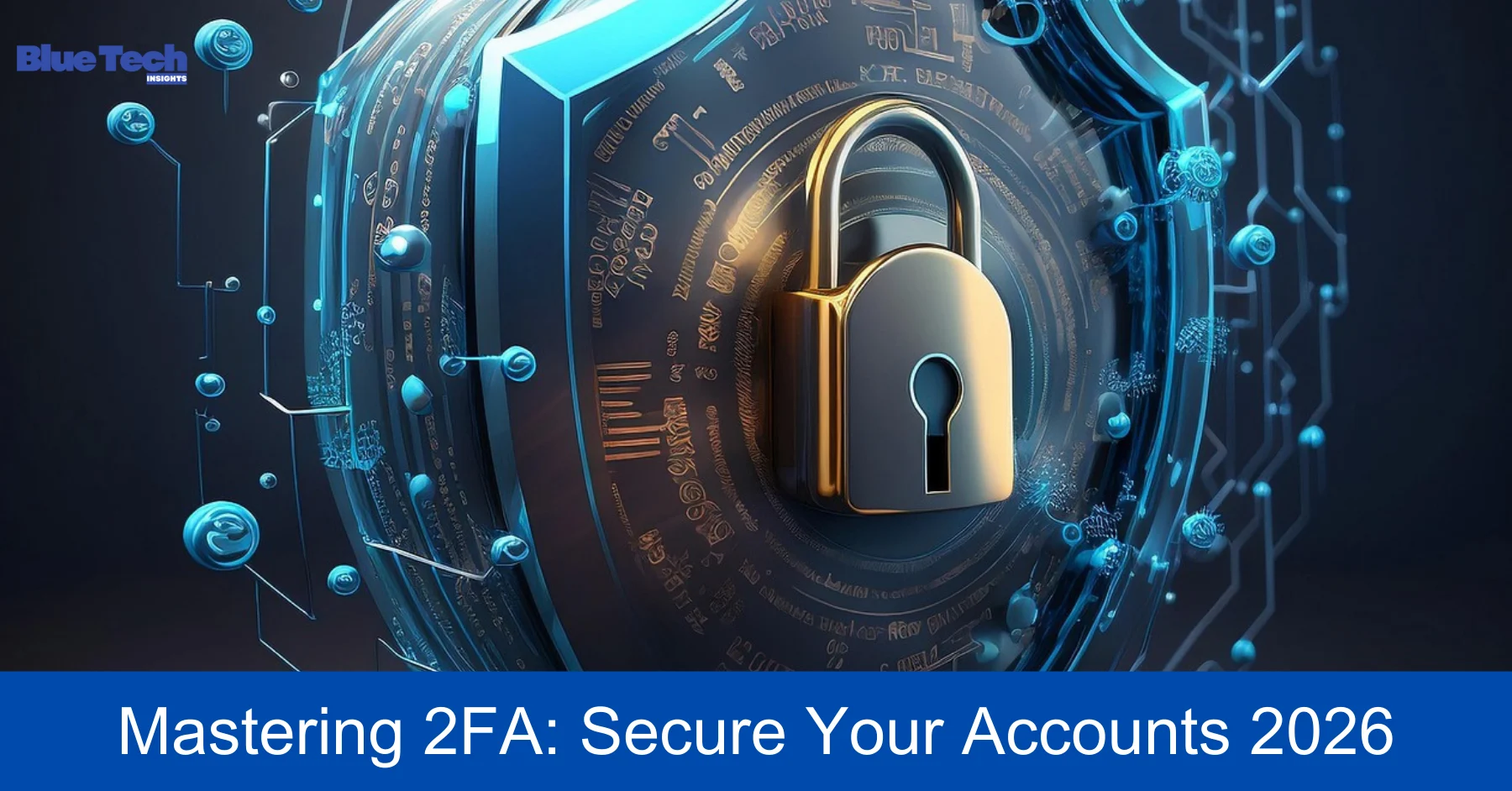
In 2026, a strong password is no longer enough to protect your digital life. With the rise of AI-powered hacking tools that can crack traditional passwords in milliseconds, relying solely on a string of characters is like leaving your front door locked with a toothpick. This is where Two-Factor Authentication (2FA), also known as multi-factor authentication (MFA), comes into play as your digital bodyguard.
2FA adds a second layer of security to your accounts. Even if a hacker successfully steals your password, they still won’t be able to log in without the second “factor”—something only you possess. In this guide, we will break down the different types of 2FA available in 2026 and show you exactly how to set them up for maximum security.
1. What Exactly is 2FA and Why Do You Need It?
Two-Factor Authentication is a security process that requires two different forms of identification to access an account.These factors typically fall into three categories:
- Something you know: Your password or PIN.
- Something you have: Your smartphone, a security key, or an authenticator app.
- Something you are: Your fingerprint, face scan (FaceID), or even your voice pattern.
Without 2FA, a single data breach at a website you use could expose your password to the dark web, leading to identity theft or financial loss. By enabling 2FA, you effectively shut the door on 99.9% of automated hacking attempts.
2. The Evolution of 2FA: Types of Factors in 2026
Not all 2FA methods are created equal. In 2026, some older methods are considered “weak,” while newer ones offer “unbreakable” security.
A. SMS-Based 2FA (The Weakest Link)
This method sends a code to your phone via text message.
- Pros: Easy to use and requires no extra apps.
- Cons: In 2026, hackers frequently use “SIM-swapping” or intercepting cell signals to steal these codes. Most security experts now recommend moving away from SMS codes for high-value accounts.
B. Authenticator Apps (The Reliable Standard)
Apps like Google Authenticator, Microsoft Authenticator, or Bitwarden generate a new 6-digit code every 30 seconds.
- Pros: Works offline and is much more secure than SMS because the codes stay on your physical device.
- Cons: If you lose your phone and haven’t backed up your “Recovery Keys,” you could be locked out of your accounts.
C. Hardware Security Keys (The Gold Standard)
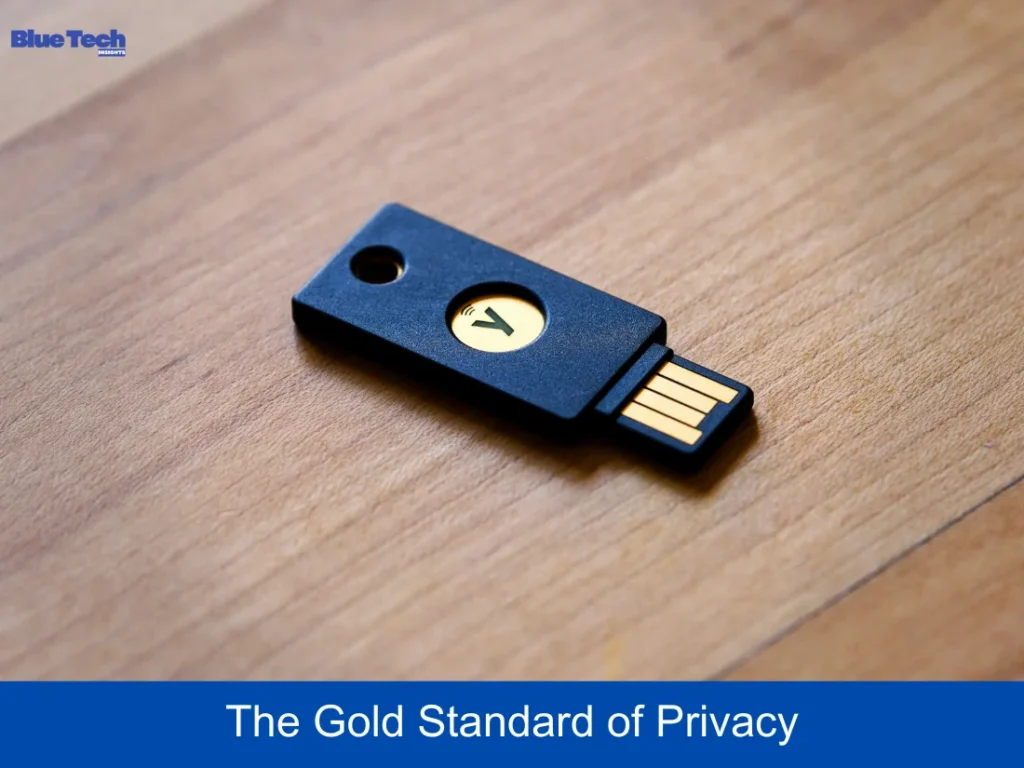
Physical USB or NFC keys like the YubiKey are the most secure form of 2FA in 2026.
- Pros: Immune to phishing. Even if a hacker tricks you into visiting a fake site, the key will only provide the code to the real, verified website.
- Cons: It’s a physical device you have to carry with you.
D. Passkeys (The Future)
In 2026, “Passkeys” are replacing passwords entirely. They use your device’s biometrics (Face/Fingerprint) to create a unique digital signature for every site. This is the fastest and most secure method available today.
3. Step-by-Step: How to Set Up 2FA on Major Platforms
Step 1: Download an Authenticator App
Go to the App Store or Play Store and download Microsoft Authenticator or Raivo OTP. These are highly recommended in 2026 for their encrypted backup features.
Step 2: Enable 2FA in Your Settings
For most accounts (Facebook, Google, Binance, etc.):
- Go to Settings > Security > Two-Factor Authentication.
- Select “Authenticator App” as your primary method.
- A QR code will appear on your screen.
Step 3: Scan the QR Code
Open your Authenticator app, tap the “+” icon, and scan the QR code on your computer screen. Your account is now linked, and the app will start generating codes.
Step 4: Save Your Backup/Recovery Codes (Crucial!)
The platform will show you a list of 8-10 “Recovery Codes.” Write these down on paper or store them in a secure physical vault. If you ever lose your phone, these codes are the ONLY way to regain access to your account.
4. Comparison: Which 2FA Method Should You Choose?
| 2FA Method | Security Level | Ease of Use | Risk Level |
| SMS/Text | Low | High | High (SIM-swap risk) |
| Email Code | Moderate | High | Moderate (Email hacking) |
| Auth App | High | Moderate | Low (Phone loss risk) |
| Hardware Key | Maximum | Moderate | Zero (Phishing-proof) |
| Passkeys | Maximum | Very High | Zero (Password-less) |
5. Best Practices for 2026 Security
- Audit Regularly: Every 3 months, check which devices are logged into your accounts and remove any you don’t recognize.
- Use a Password Manager: Don’t try to remember 2FA codes or passwords. Use a manager like Bitwarden which can store both.
- Don’t Share Your Codes: No legitimate company (Google, Microsoft, or your Bank) will ever call you and ask for your 2FA code. If they do, it is a scam.
Conclusion
Enabling Two-Factor Authentication is the single most important step you can take to protect your digital identity in 2026. While it adds a few extra seconds to your login process, the peace of mind it provides is invaluable. Take 10 minutes today to secure your primary email, social media, and financial accounts. Don’t be an easy target for hackers; stay one step ahead with 2FA.
Disclaimer: This guide provides general security advice based on technology trends as of 2026. While 2FA significantly increases security, no method is 100% foolproof against all forms of cyberattacks. Users are responsible for safeguarding their recovery codes and physical devices. Bluebook.site is not responsible for any account lockouts or data loss resulting from improper setup or loss of 2FA access factors.
About the Author