In the fast-paced professional world of 2026, information overload is a daily struggle. Between rapid-fire Slack messages, endless Zoom meetings, and complex project documents, our brains are constantly bombarded with data. Without a proper system to capture and organize these thoughts, important ideas often slip through the cracks, leading to missed deadlines and increased stress.
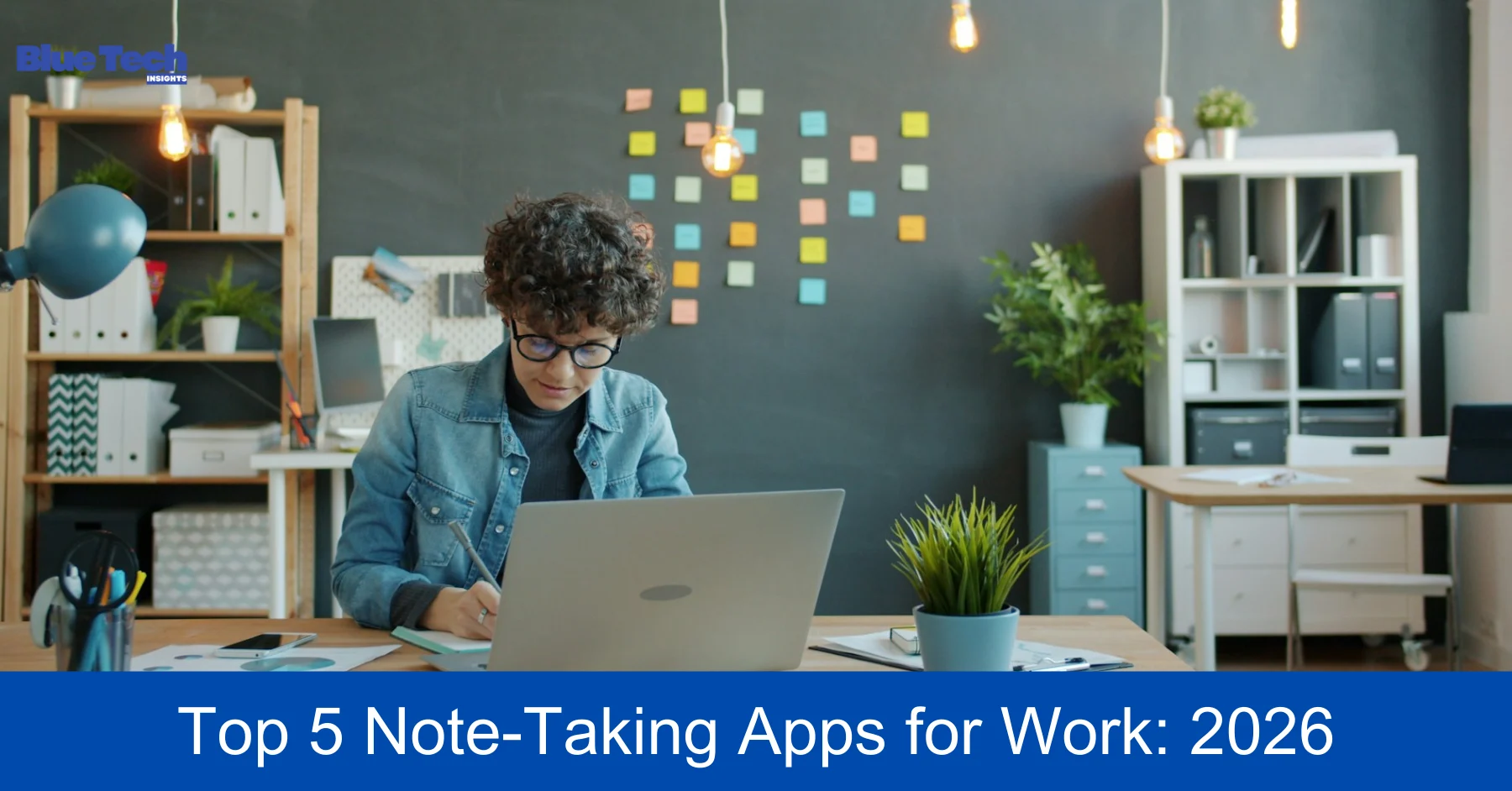
This is why a robust note-taking app is no longer just a “nice-to-have” tool—it is an essential “Second Brain.” In 2026, note-taking apps have evolved beyond simple text boxes; they now integrate advanced AI, networked thought structures, and professional project management features. Here are the top 5 note-taking apps to help you organize your work life this year.
1. Notion: The All-in-One Professional Workspace
Notion continues to dominate the market in 2026 as the most versatile tool for professionals. It’s not just an app for notes; it’s a modular workspace where you can build your own productivity system.
- Why it’s great for work: Notion uses a “block-based” system, allowing you to create databases, Kanban boards, calendars, and wikis all within a single page.
- Key 2026 Feature (Notion AI Agents): The new AI Agents can now act as your personal assistant. You can ask it to “Summarize the last three meeting notes and create a task list for the design team,” and it will execute the task across different pages instantly.
- Best For: Teams and individuals who want to combine their notes, tasks, and company wikis in one centralized location.
2. Obsidian: The King of Networked Thought & Privacy
For those who find traditional folders too restrictive, Obsidian offers a “non-linear” approach. In 2026, Obsidian has become the go-to app for deep thinkers, researchers, and technical professionals.
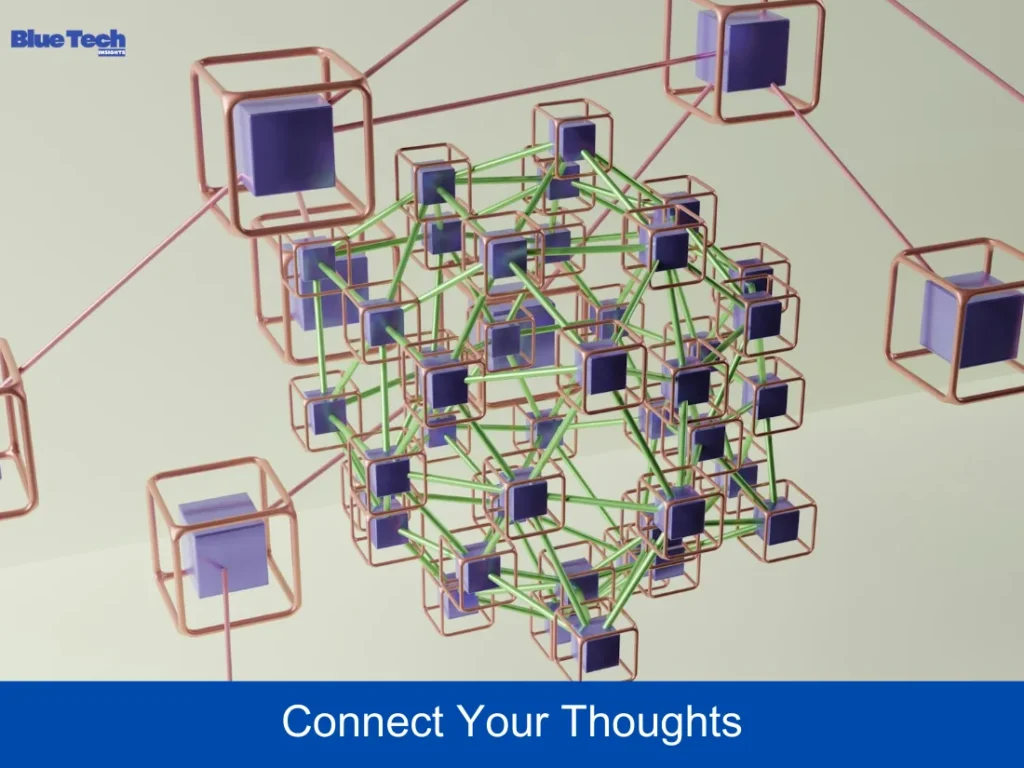
- The Power of Backlinks: Obsidian uses “Bi-directional Linking.” When you mention a project name in one note, it creates a link to that project’s main note. Over time, you build a “Knowledge Graph” that visualizes how all your work projects and ideas are connected.
- Local First & Secure: Unlike most apps, Obsidian stores your files locally on your computer in Markdown format. This ensures your professional data remains private and accessible even without an internet connection.
- Best For: Professionals who need to manage complex knowledge bases and value data privacy above all else.
3. Microsoft OneNote: Best for Enterprise & Freeform Note-Taking
If your workplace already uses Microsoft 365, OneNote is the most logical and powerful choice. It remains one of the few apps that offers a truly “infinite canvas” experience.
- Unmatched Flexibility: You can click anywhere on a page to type, drag and drop images, or use a stylus to handwrite notes. This makes it perfect for brainstorming sessions or annotating PDF documents during a presentation.
- Ecosystem Integration: OneNote syncs perfectly with Outlook and Microsoft Teams. You can turn a note into an Outlook task or share a notebook section directly into a Teams channel for real-time collaboration.
- Best For: Corporate professionals and Windows users who need a flexible, free-form digital notebook that integrates with office tools.
4. Evernote: The Reliable Professional Archive
Despite the rise of newer competitors, Evernote has reinvented itself in 2026 as the ultimate “Digital Filing Cabinet.” It excels at capturing and retrieving information faster than any other app.
- Web Clipper & Search: Evernote’s Web Clipper is still industry-leading. You can save entire articles, emails, or PDFs with one click. Its OCR (Optical Character Recognition) technology allows you to search for text even inside handwritten notes or scanned receipts.
- AI-Powered Search: In 2026, Evernote features “Natural Language Search.” You can ask, “Find the contract I signed with the marketing agency last December,” and it will pull up the exact PDF instantly.
- Best For: Busy professionals who need to save a lot of external information (emails, documents, web clips) and find it quickly.
5. Bear 2: The Minimalist’s Dream for Focused Writing
Sometimes, too many features can be a distraction. Bear 2 is designed for professionals who just want a clean, beautiful, and distraction-free environment to write and organize.
- Beautiful Markdown: Bear uses a simplified Markdown system that makes your notes look elegant without any effort. It’s incredibly fast and lightweight, opening instantly on both Mac and iPhone.
- Hashtag Organization: Instead of messy folders, Bear uses nested hashtags (e.g., #Work/Project-A). This allows a single note to live in multiple “folders” simultaneously, making organization fluid and intuitive.
- Best For: Apple users, writers, and creative professionals who value speed, aesthetics, and a focused writing experience.
Comparison: Which One Fits Your Work Style? (2026)
| App | Primary Philosophy | Best Feature | Pricing (2026) |
| Notion | Modular Workspace | AI Agents & Databases | Free / $10+ per month |
| Obsidian | Networked Thought | Graph View & Local Storage | Free (Personal) |
| OneNote | Digital Notebook | Infinite Canvas & Stylus Support | Free with MS 365 |
| Evernote | Digital Archive | Web Clipper & Advanced Search | Free / $14+ per month |
| Bear 2 | Minimalist Writing | Nested Tags & Beautiful UI | $2.99/mo (Pro) |
Conclusion: Build Your Second Brain Today
The “best” note-taking app is the one you actually enjoy using every day. If you love structure and databases, Notion is your winner. If you prefer a visual web of ideas and total privacy, go with Obsidian. For those in the Microsoft ecosystem, OneNote is hard to beat.
Managing your work life in 2026 doesn’t have to be overwhelming. By choosing one of these top 5 apps, you are investing in your long-term productivity and building a digital asset that grows with your career.
Disclaimer: The application reviews and features mentioned in this article reflect the status of these software products as of early 2026. Developers frequently update their apps, and pricing models or specific AI capabilities are subject to change. Bluebook.site is not affiliated with any of the software companies mentioned and does not receive compensation for these reviews. Users should always check the official websites for the most current terms and features.
About the Author