The digital landscape of 2026 is dominated by video. Whether you are an aspiring YouTuber, a TikTok influencer, or a small business owner, the quality of your video content often determines your success. In the past, professional video editing required expensive desktop computers and high-priced software subscriptions like Adobe Premiere Pro. However,2026 has brought a massive shift: you can now create cinematic masterpieces directly from your smartphone or tablet without breaking the bank.
For content creators on a budget, finding the right tool is about balancing power with price. In this comprehensive guide,we review the top budget-friendly video editing apps of 2026 that offer professional features for a fraction of the cost—or even for free.
1. VN Video Editor: The Best Free All-Rounder
In 2026, VN Video Editor (VlogNow) remains a favorite for creators who want professional features without a watermark. Unlike many “free” apps that hide their best tools behind a paywall, VN is remarkably generous.
- Key Features: It offers a multi-track timeline, allowing you to layer videos, stickers, and text with precision. Its Curve Shifting feature (similar to Speed Ramping in Premiere Pro) is one of the best in the mobile market.
- Why it’s Budget-Friendly: It is completely free to use for most features, and it does not force a watermark on your exported videos.
- Best For: YouTube vloggers and cinematic creators who need precise control but don’t have the budget for a monthly subscription.
2. CapCut: The Social Media Powerhouse
Owned by ByteDance, CapCut has become the industry standard for short-form content (TikTok, Reels, and Shorts) in 2026. While it has a “Pro” version, the free version is still incredibly robust.
- The AI Advantage: CapCut leads the 2026 market with its AI-integrated features. From Auto-Captions that are 99% accurate to AI-driven background removal, it automates the most tedious parts of editing.
- Trending Templates: It provides direct access to trending audio and templates, giving you a head start on viral content.
- Best For: Social media influencers who need to produce high-volume, trendy content quickly.
3. InShot: The Beginner’s “Swiss Army Knife”
If you find professional timelines intimidating, InShot is the perfect entry point. It’s designed for simplicity and speed.
- Ease of Use: InShot excels at quick edits—cropping for different aspect ratios (9:16 for TikTok vs. 16:9 for YouTube) is a one-tap process.
- Creative Assets: It features a massive library of stickers, filters, and sound effects that are perfect for lifestyle vlogs and casual creators.
- Budget Factor: The “Pro” version is very affordable (often under $20/year), but the free version is highly capable if you don’t mind watching a quick ad to remove the watermark.
4. LumaFusion: The Professional’s One-Time Investment
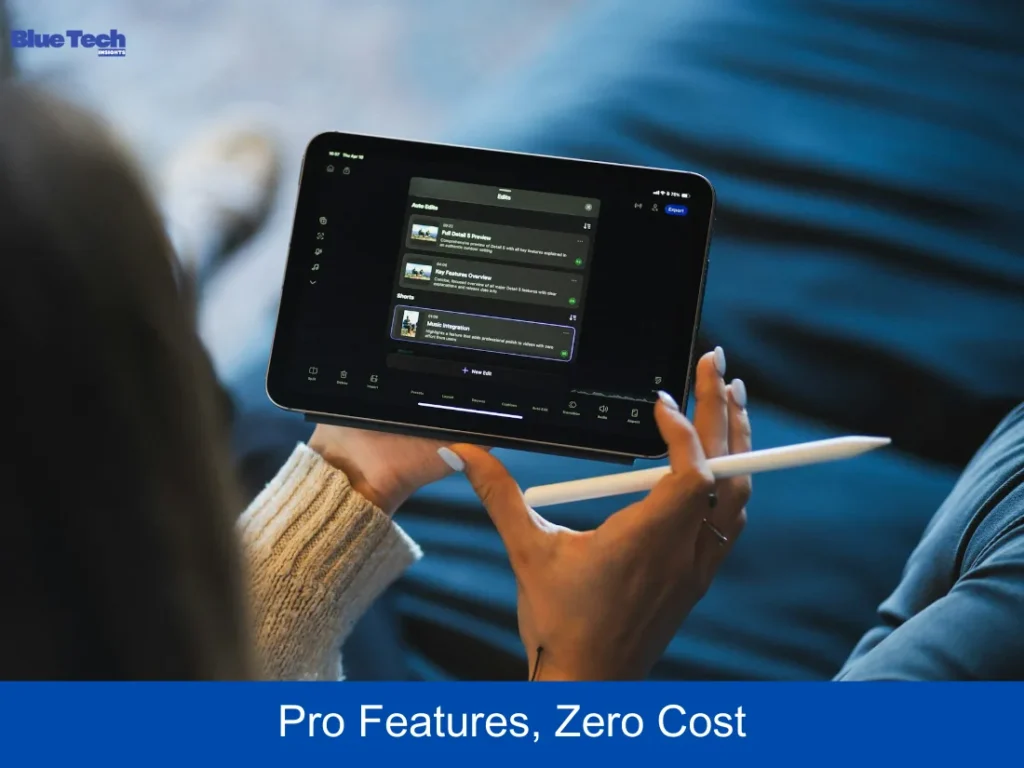
While not free, LumaFusion is the ultimate “budget-friendly” choice for those who want a one-time purchase instead of a never-ending subscription.
- Desktop Power on Mobile: In 2026, LumaFusion is widely considered the “Final Cut Pro of iPad.” It supports up to 6 video and 6 audio tracks with smooth 4K 60fps rendering.
- Advanced Features: It includes professional color grading (LUT support), advanced keyframing, and an incredibly stable magnetic timeline.
- The Price Tag: For a one-time payment (usually around $30), you own the software forever. Compared to a $20/month subscription for desktop suites, it pays for itself in just two months.
- Best For: Serious filmmakers and iPad power users who want professional-grade software.
5. DaVinci Resolve for iPad: Cinematic Power for Zero Dollars
In a shocking move for the industry, Blackmagic Design’s DaVinci Resolve for iPad has become a mainstream choice in 2026.
- Hollywood Standards: This is the same engine used to color-grade Hollywood movies. The free version includes the “Cut” and “Color” pages, giving you world-class color correction tools for free.
- Cloud Collaboration: It supports Blackmagic Cloud, allowing you to start an edit on your iPad and finish it on a desktop computer.
- Watch-out: It requires a high-end tablet (M1 chip or better) to run smoothly.
- Best For: Aspiring cinematographers and creators who prioritize professional color grading.
6. Comparison: Which Budget App is Right for You? (2026)
| App Name | Price (2026) | Primary Strength | Skill Level |
| VN Editor | Free | Multi-track & Speed Curves | Intermediate |
| CapCut | Free / Pro Sub | AI Tools & Templates | Beginner |
| InShot | Free / Cheap Sub | Simplicity & Social Crops | Absolute Beginner |
| LumaFusion | One-time (~$30) | Pro Features & Stability | Professional |
| DaVinci Resolve | Free / $95 Studio | Color Grading & PC Sync | Professional |
Conclusion: Start Creating Today
In 2026, your budget is no longer an excuse for low-quality video. If you want zero cost and no watermarks, start with VN Video Editor. If you want to ride the latest trends, CapCut is your best friend. For those looking to invest in a lifelong tool, LumaFusion offers the best value for money.
The most important step isn’t picking the “perfect” app—it’s picking one and starting your first project. Every viral creator started with a simple edit. Use these budget-friendly tools to find your voice and build your audience this year.
Disclaimer: The application reviews, features, and pricing models mentioned in this article reflect the market situation as of early 2026. While many of these apps offer free versions, some advanced AI features or asset libraries may require in-app purchases or subscriptions. Bluebook.site is not affiliated with any of the developers mentioned and does not receive commissions for these reviews. Users should always check the respective App Store or Google Play Store for the latest updates and terms of service.
About the Author